Link in bio
A link in bio that sells
Your links, everything you sell, free posts and tips on one page. Put it in your Instagram or TikTok bio and visitors can buy, tip or follow without leaving it.
- No monthly fee
- Links, products and tips
- Light or dark, your colour
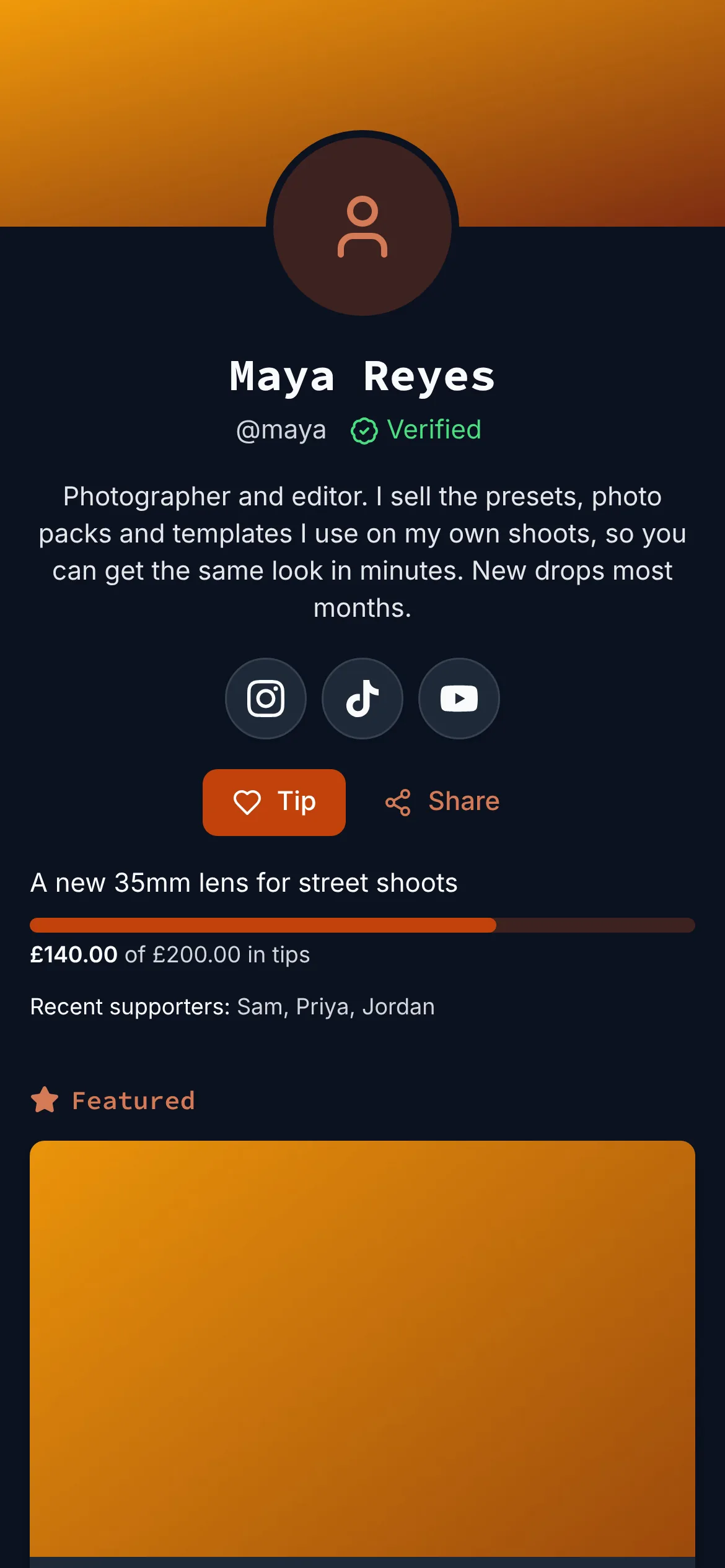
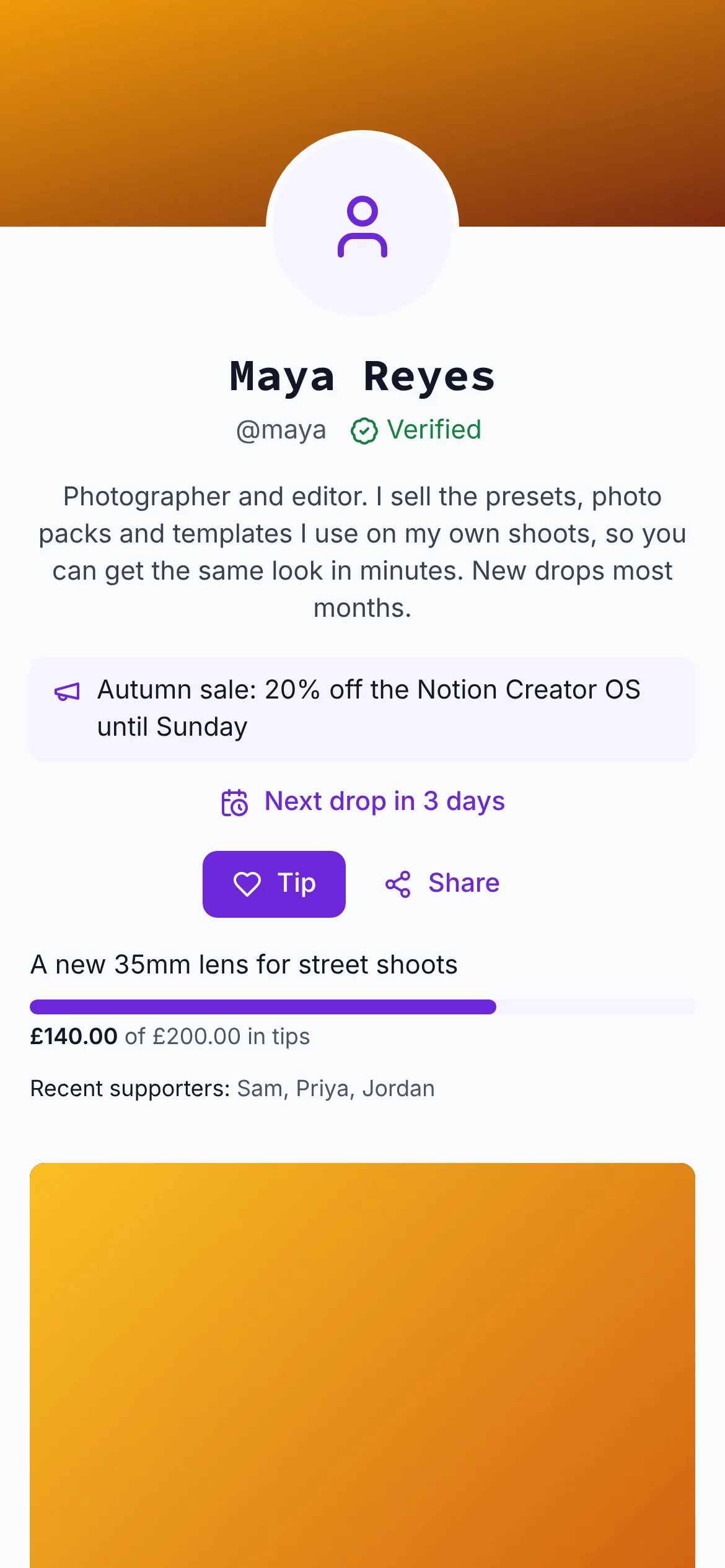
Put it in your bio on
- TikTok
- YouTube
- X
- Discord
- Bluesky
Everything a link in bio does, and what it doesn't
Your links are there, the way your followers expect. Under them is everything that makes the page earn.
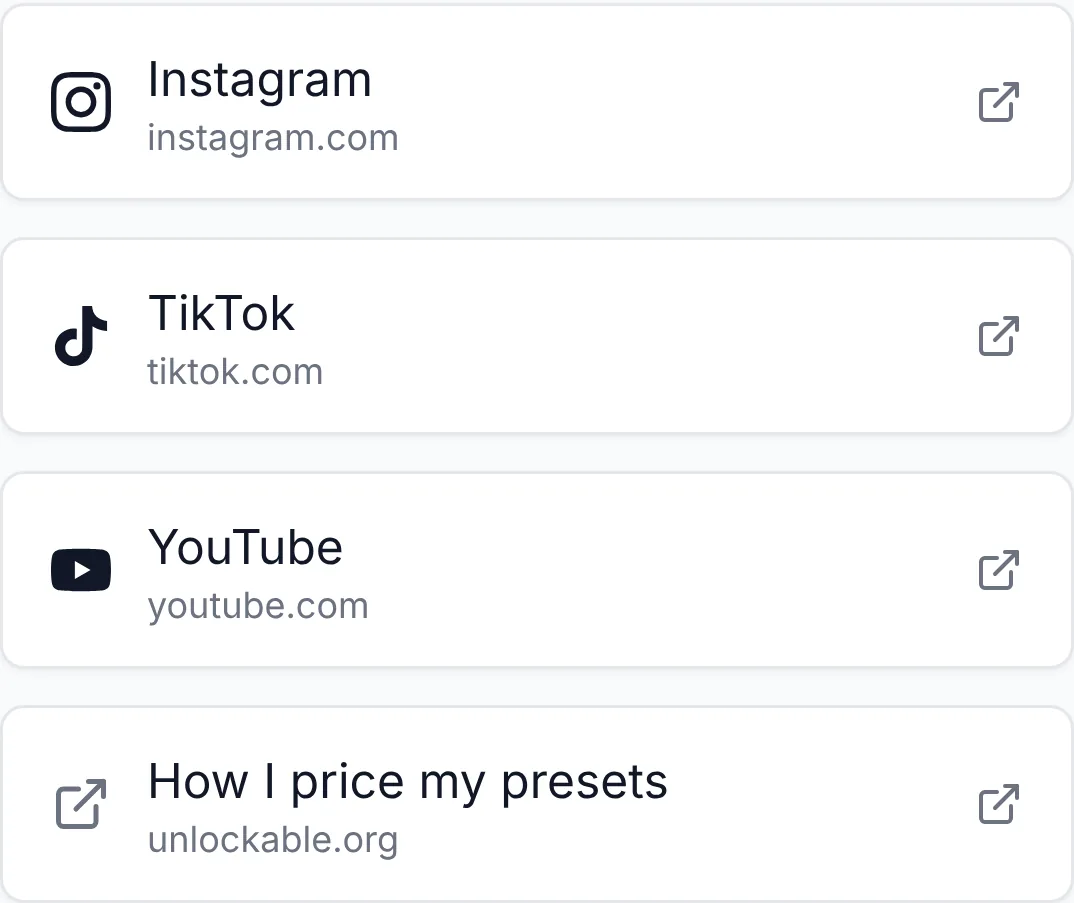
Your links, with their logos
Up to eight links. Instagram, TikTok, YouTube and 19 other sites show their own mark, as buttons or as a row of icons. You can see which links visitors open.
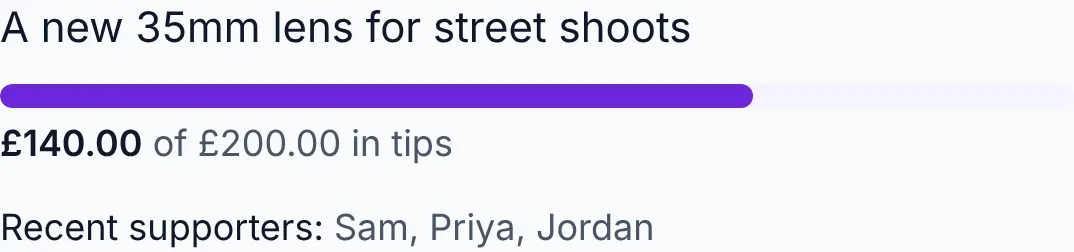
Tips, with a goal
A Tip button with one-tap amounts and a goal bar your supporters can watch fill. Tippers can choose to be named as recent supporters.
New drops, by email
Visitors leave their address once and get one email when you post something new or start a sale. Every address is confirmed first, and every email has a one-tap way off.
Run drops, not just a list
Tease what's next, count down to it, put things on sale and group them the way you think about them. Free posts sit beside paid ones, so visitors see your work before they buy.
A video teaser at the top
Pick one of your free clips as a welcome clip. It plays muted until a visitor turns the sound on.
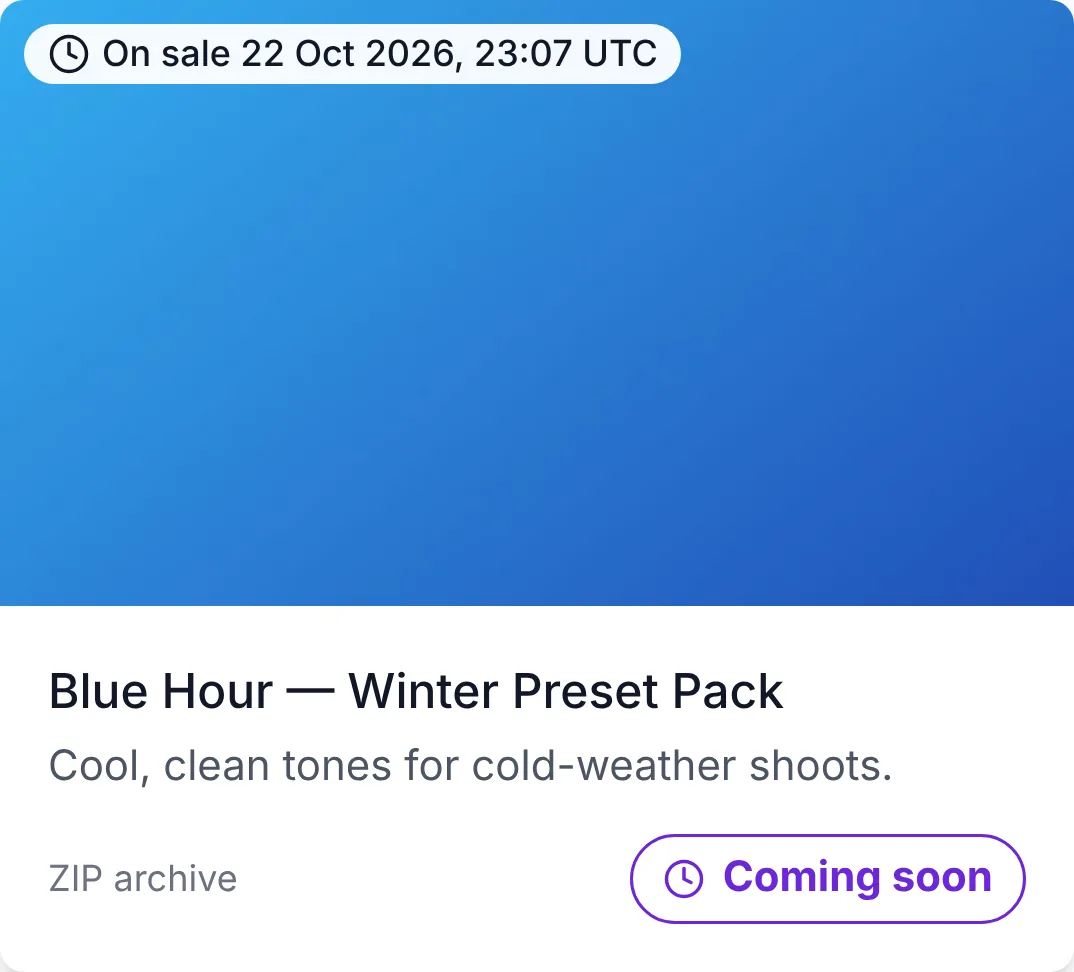
Coming soon, with a countdown
Schedule a release. The page counts down to it, and visitors can ask to be emailed when it goes on sale.
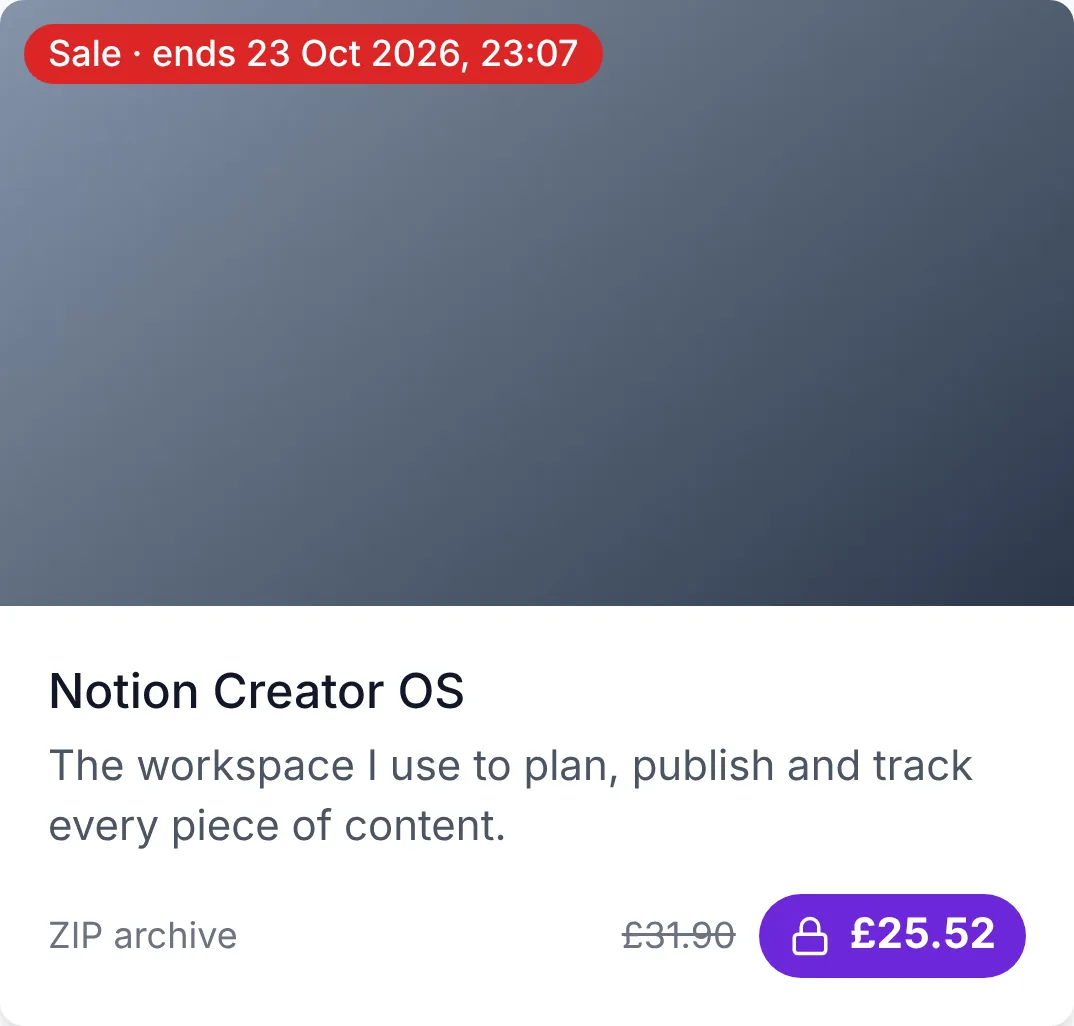
Sales that end on time
Put an item on sale until a date. The old price is struck through and the card says when the sale ends.
Your own sections
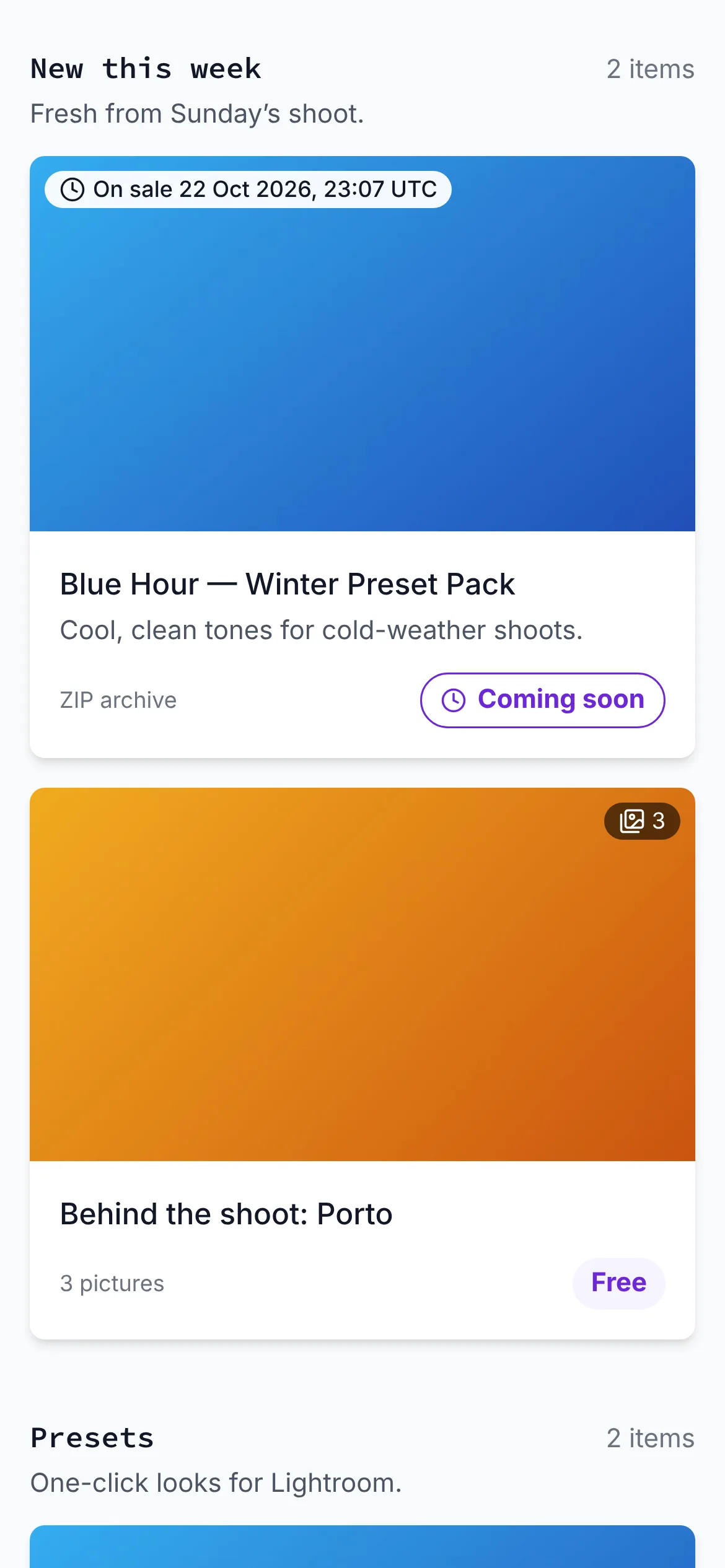
Up to 12 headings, like “New this week” or “Presets”, each with a line under it.
Up to three featured items
Shown first: one large, or two or three in a row.
Free posts beside paid drops
Images, videos and swipeable galleries of up to 12 pictures, checked before they show.
Bundles
Sell a collection of items as one, next to the items themselves.
Scarcity, if you want it
Show “12 left” or “240 unlocks” on any item you choose.
Your order, or automatic
Drag to reorder, or sort newest first or by price. Hide anything you want off the page.
A link in bio should sell, not just link
A list of links sends your visitors somewhere else to pay, and every extra page loses some of them. On your Unlockable page they buy, tip or follow right there.
A list of links
- Your bio
- Link list
- Shop on another site
- Make an account
- Checkout
Five stops, and two of them are someone else's site.
Your Unlockable page
- Your bio
- Your page
- Paid, tipped or followed
No account for your buyer. Card, PayPal, Apple Pay or Google Pay, and the file arrives on the same page.
See it by creator: what creators sell · what you can sell
Your look
Five themes in one tap. Then change anything.
Start from a theme, then pick your own colour, font, buttons and layout. The preview changes as you go.
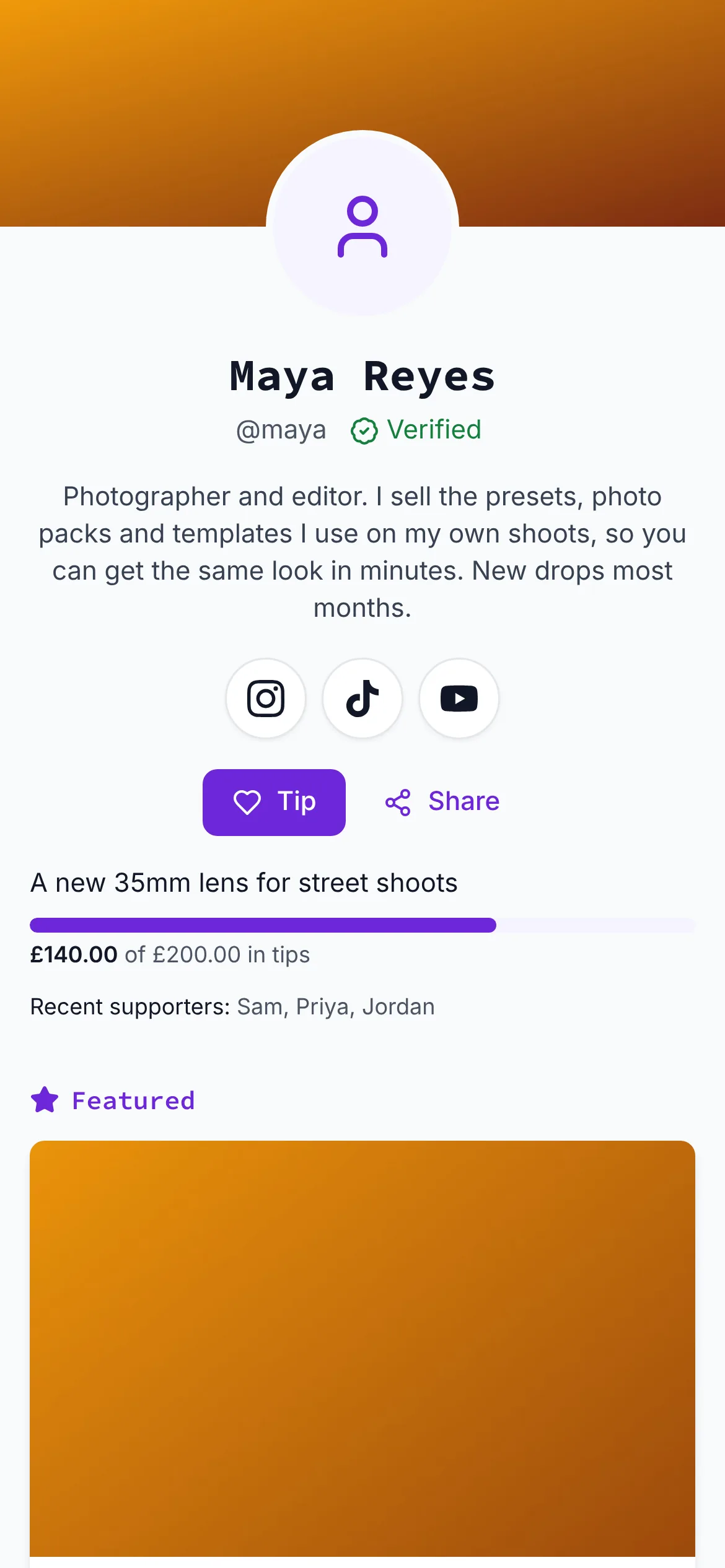
Classic
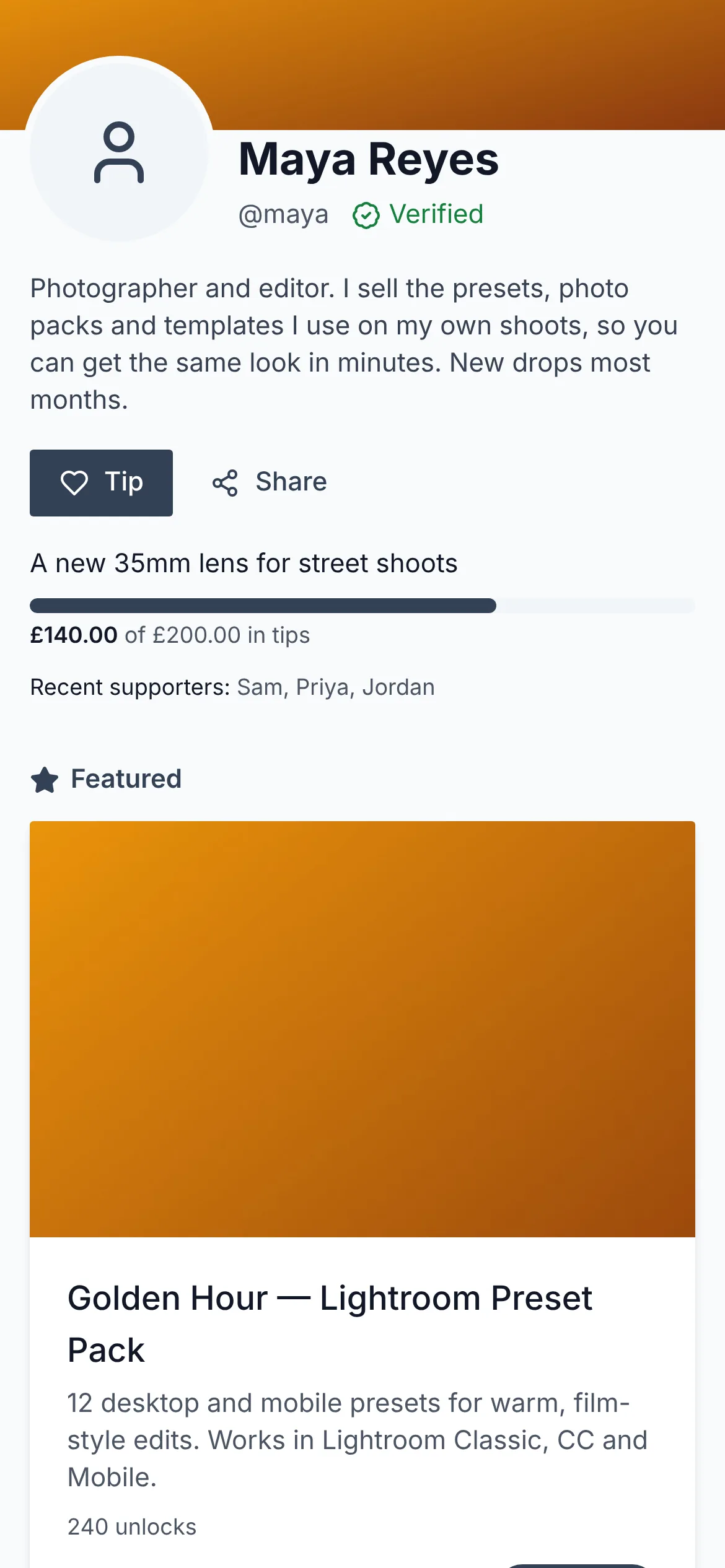
Minimal
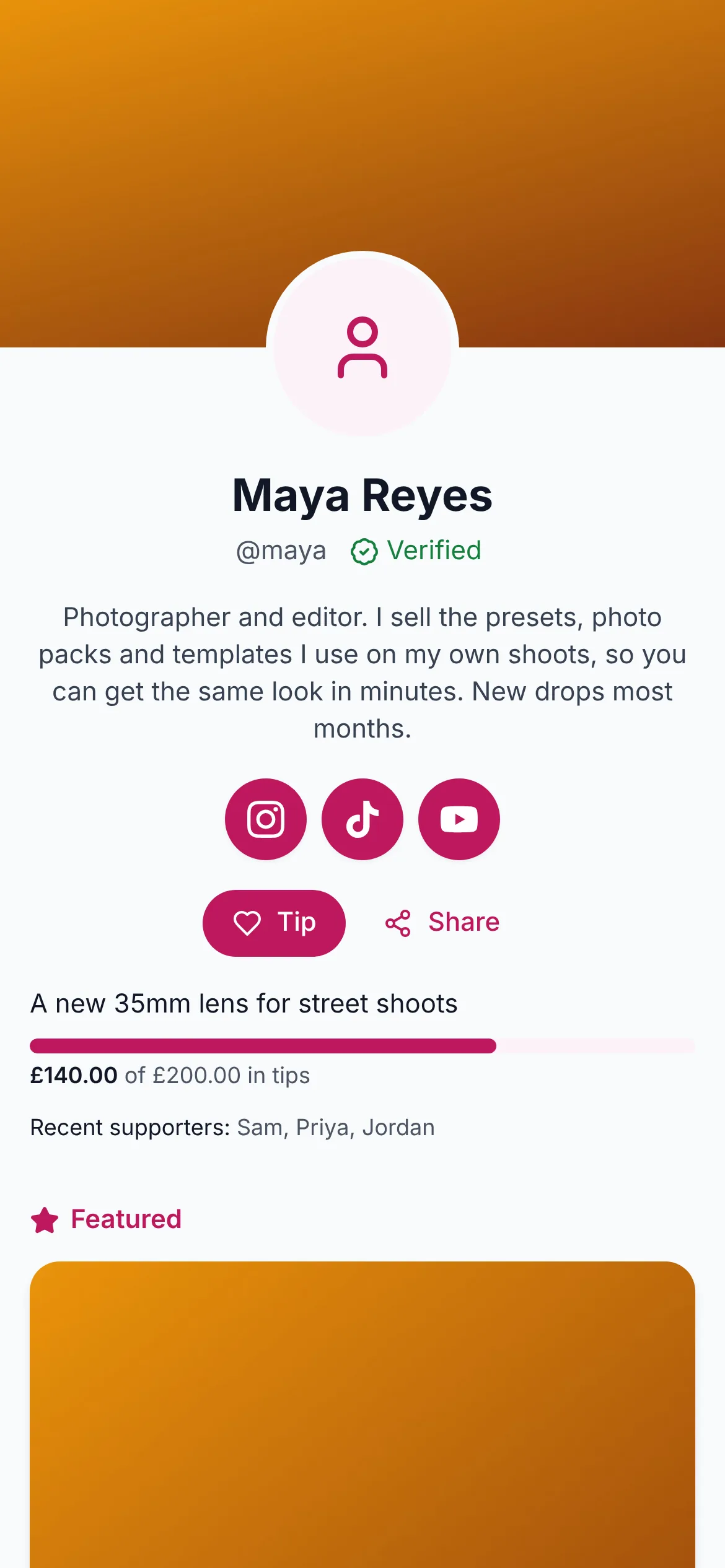
Bold
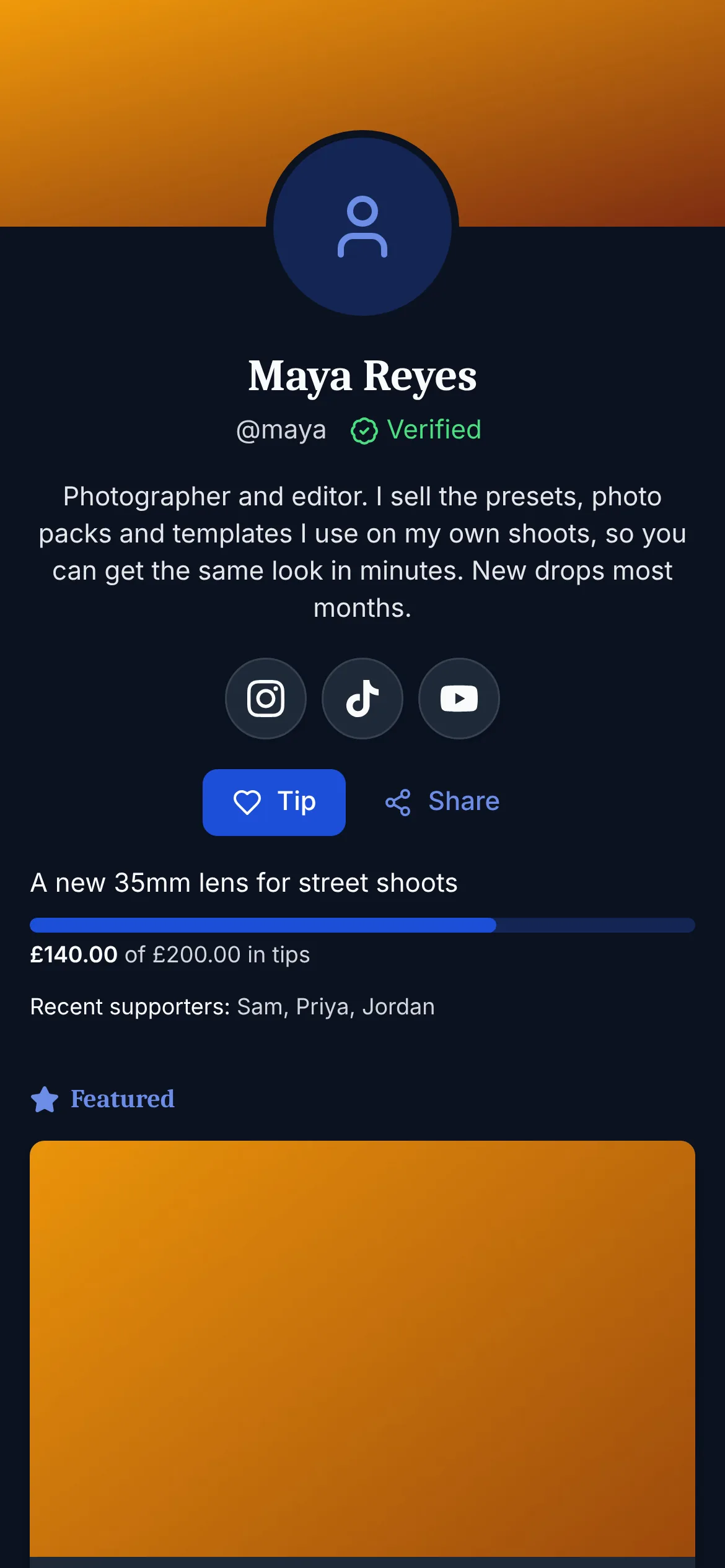
Night
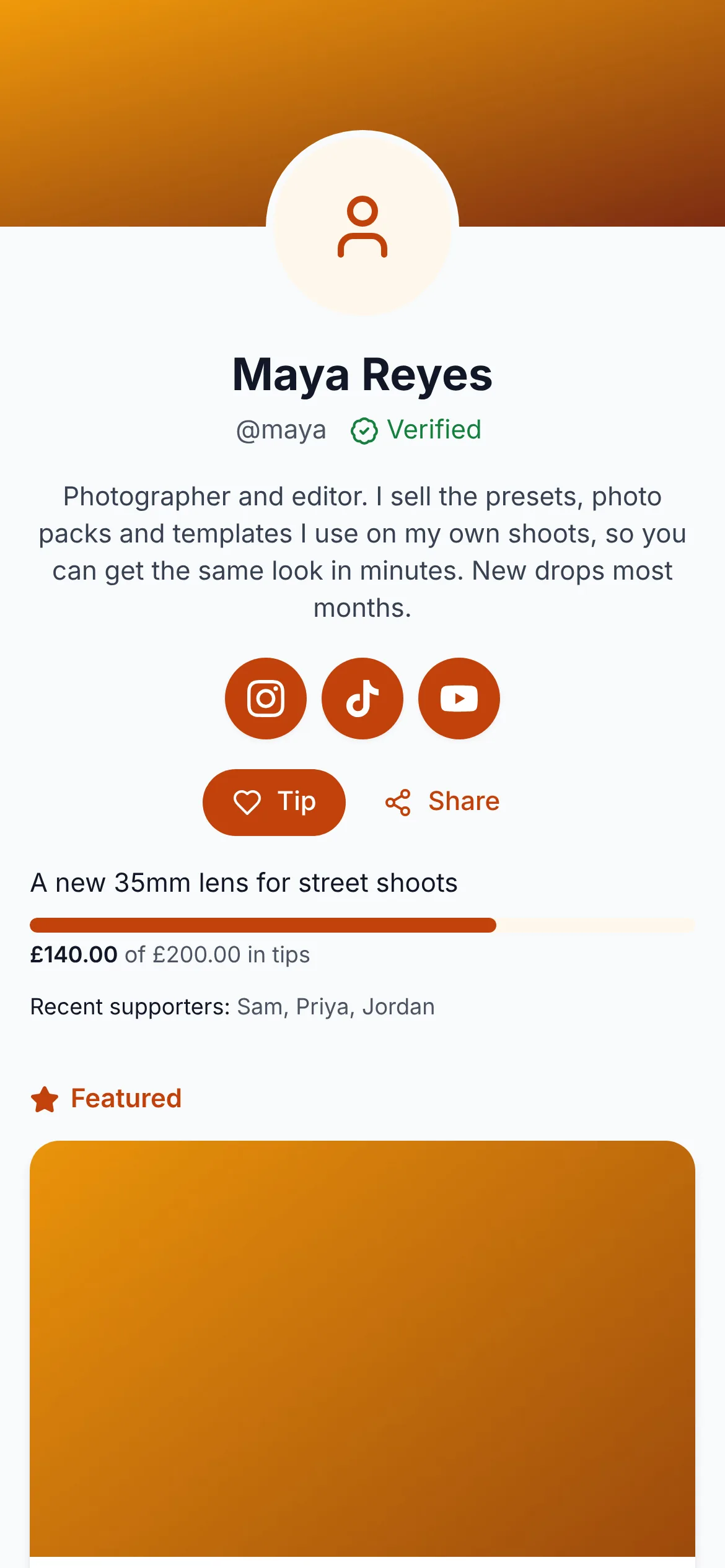
Soft
- Colour
- Six presets or your own hex
- Background
- Light, dark or the visitor’s setting
- Heading font
- Brand, sans, serif or rounded
- Buttons
- Rounded, square or pill; outline or filled
- Items
- Grid, list or large cards
- Header
- Centred or to the left
- Cover
- Your own picture, slim, standard or tall
- Links
- Buttons, or a row of icons
Edit it with a live preview
Everything is in one editor, with the real page beside the form. Nothing changes for visitors until you save.
A live preview
The real page, drawn from the form as you type, before you save.
A setup checklist
What would make the page work harder: a cover, an About, a welcome clip.
An announcement line
One line under your bio, with an end date if you want it to go by itself.
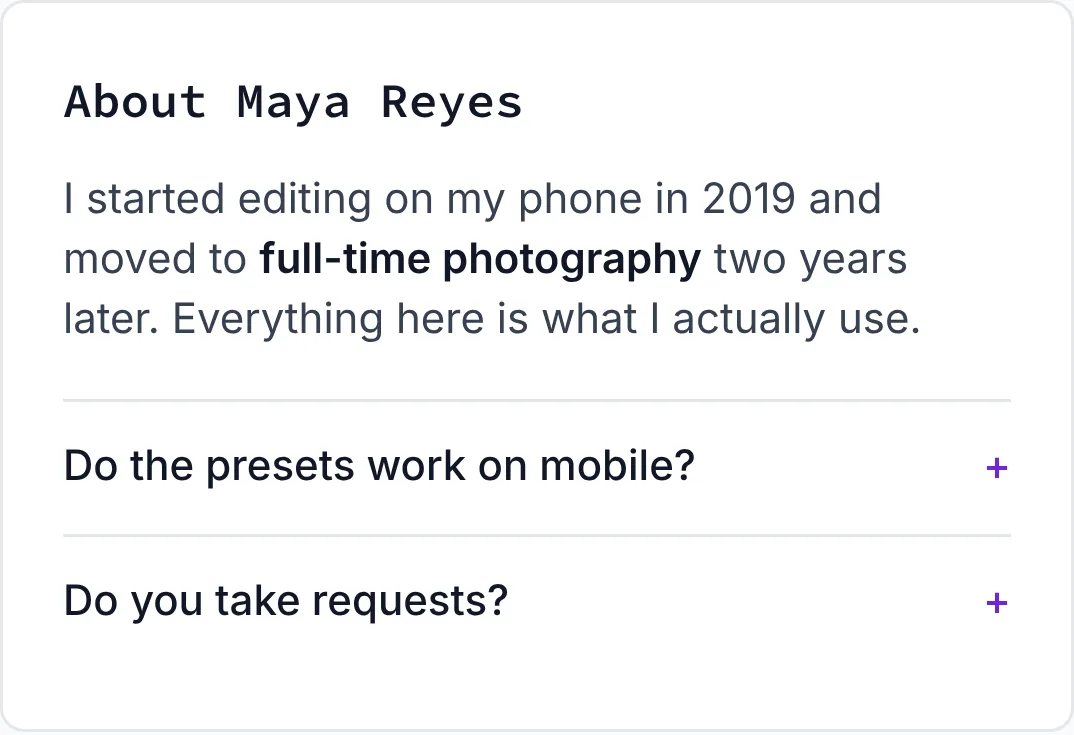
About, with questions
Your story in up to 1,500 characters, and up to eight questions and answers.
Take a break
Pause the page with a “back on” date. Buyers keep what they bought.
Page stats
Visits, link clicks, and the sales and tips that came from your page.
Found by name
Listed in the sitemap with structured data, so search engines can find you.
Share it everywhere, not just your bio
Your page has its own QR code, and every item on it comes with a share sheet that makes the post for you.
A QR code for your page
Download it for a poster, a card or a stall sign. QR codes that sell.
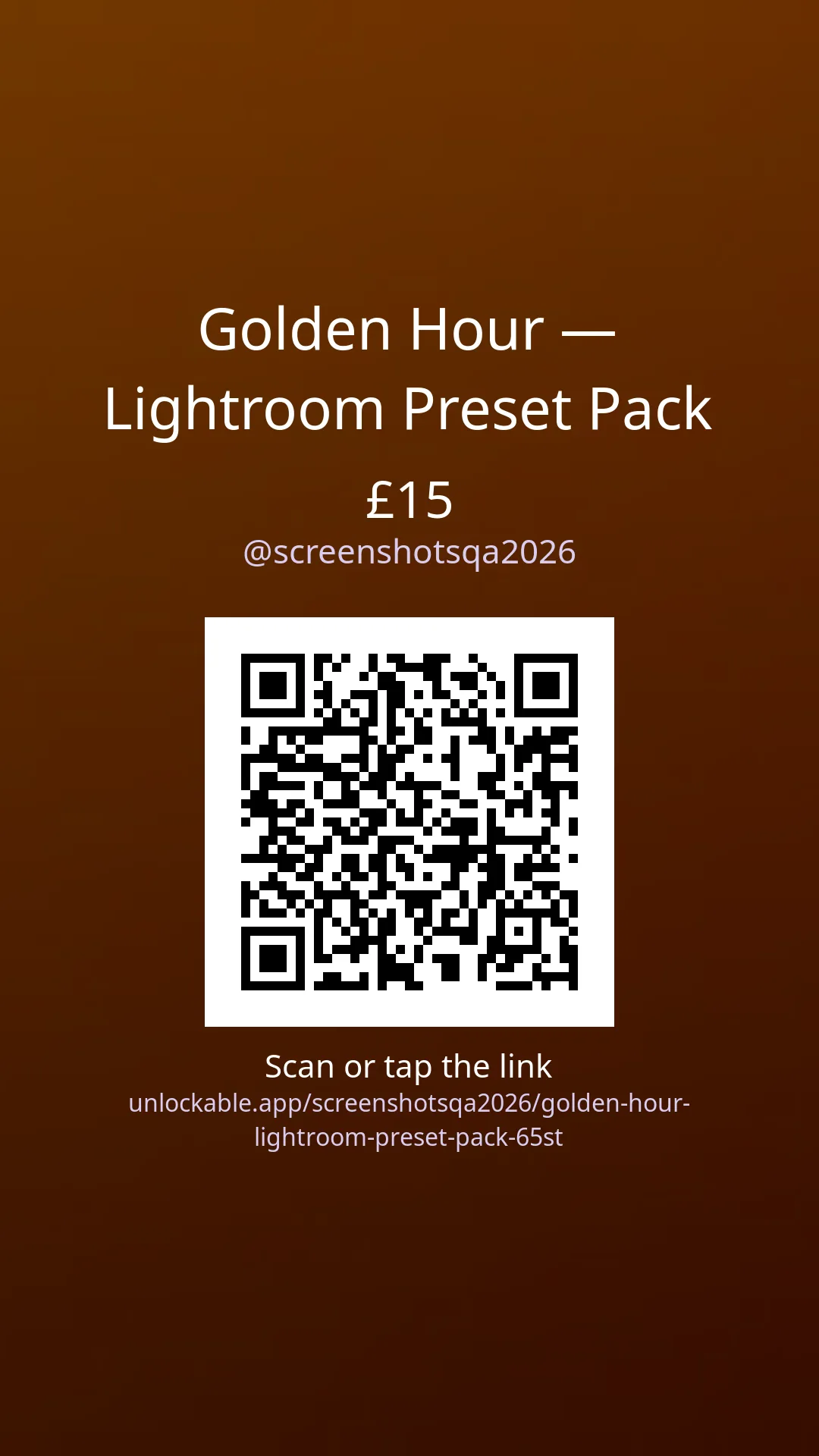
Story and post images
A 9:16 story and a 1:1 post for each item, ready for Instagram and TikTok.
New drop: Golden Hour presets (£15). Get it here 👇
Golden Hour presets is out now (£15). Unlock it in one tap:
Made something for you: Golden Hour presets. Link below ✨
Captions written for you
Three captions with the title and price filled in. Tap one to copy it.
- TikTok
- QR code
- Copied link
See which app sold it
Every share is tagged, so your stats show where views and sales came from.
Free until you sell
No monthly fee and no plan to upgrade to. You pay only when something sells.
£0
to make your page, add links and post free images and videos
10%
of a sale. Card processing is included, and your buyer pays a 10% fee on top
$9
is what you keep from a $10 sale. Your buyer pays $11
Tips carry a 30% fee. Read Unlockable pricing, or compare platform fees.
Unlockable or Linktree?
Linktree charges a subscription before you can sell, then takes nothing. Unlockable charges nothing until you sell. Pick by how often you sell.
| Unlockable | Linktree Free | Linktree Pro | |
|---|---|---|---|
| Monthly fee | None | None | See Linktree’s pricing |
| Links | Up to 8, with logos | Unlimited | Unlimited |
| Sell digital products | Yes | Free products only | Yes |
| Fee per sale | 10% | – | 0% |
| Card processing | Included | – | 2.9% + $0.30 |
| Tips with a goal | Yes | Not listed | Not listed |
| Email sign-ups | Yes | Yes | Yes, with integrations |
| Free image and video posts | Yes | – | – |
If you sell more than about 14 items a month at $20, Linktree Pro works out cheaper. If you mostly share links and sell now and then, Unlockable costs nothing until a sale.
Compare creator platforms · Unlockable vs Stan
Linktree details from linktr.ee, 19 October 2026. Linktree is a trademark of Linktree Pty Ltd.
Set up your link in bio in five steps
Most of it is pasting things you already have.
Make your page free- 01
Sign up
Free, with no card. Your page exists from the start.
- 02
Add your photo, cover and bio
In Profile, then Your page. A live preview shows the page as visitors see it.
- 03
Add your links
Paste up to eight addresses. Known sites get their logo on their own.
- 04
Add something to sell, or a free post
Upload a file and set a price from 5, or post a free image or clip.
- 05
Put the address in your bio
Copy your page address into Instagram, TikTok or YouTube, or print its QR code.
Questions
Is it really free?
Yes. Making the page, adding links and posting free images and videos costs nothing, and there is no monthly fee. When you sell something, Unlockable takes 10% and your buyer pays a 10% privacy and security fee on top, so a $10 sale leaves you $9. Tips carry a 30% fee.
Can I use it as my Instagram and TikTok link in bio?
Yes, that is what it is for. Your page has one address. Put it in your Instagram, TikTok, YouTube or X bio, and visitors land on your links and everything you sell.
Can I add normal links to other sites?
Yes, up to eight. Links to Instagram, TikTok, YouTube, Twitch, Patreon and other well-known sites show that site’s logo. You can show them as buttons or as a row of icons, and your page stats show which ones visitors open.
Can I take tips?
Yes. Switch on the Tip button and visitors can tip from £1 to £500 by card, with one-tap amounts. You can add a goal with a progress bar, and show the names of supporters who choose to be named. Unlockable keeps 30% of a tip, and the tipper pays a 10% fee on top.
Can visitors sign up for my new drops?
Yes. The “Get new drops by email” box sends one email when you publish something or start a sale. Each address is confirmed before it is added. You see how many people follow you; the addresses themselves stay private to Unlockable.
Can I schedule a drop?
Yes. Give an item a release time and it shows on your page as coming soon, with the date. Visitors can leave their email to be told when it goes on sale, and you can show a countdown to your next drop under your bio.
How much can I change how the page looks?
A lot. Start from one of five themes, then choose your colour (six presets or your own), a light, dark or automatic background, the heading font, button shape and fill, grid, list or large item cards, where the header sits, and your cover picture and its height.
Can I use my own domain?
Not at the moment. Your page lives at unlockable.app followed by your username, for example unlockable.app/maya.
Your link in bio, ready to sell
Links, products, free posts, tips and email sign-ups on one page. No monthly fee.