Six steps · About five minutes to your first link
> How Unlockable works
From a file on your computer to money in your bank. Nothing here is a metaphor — this is the actual sequence.
01
Upload what you made
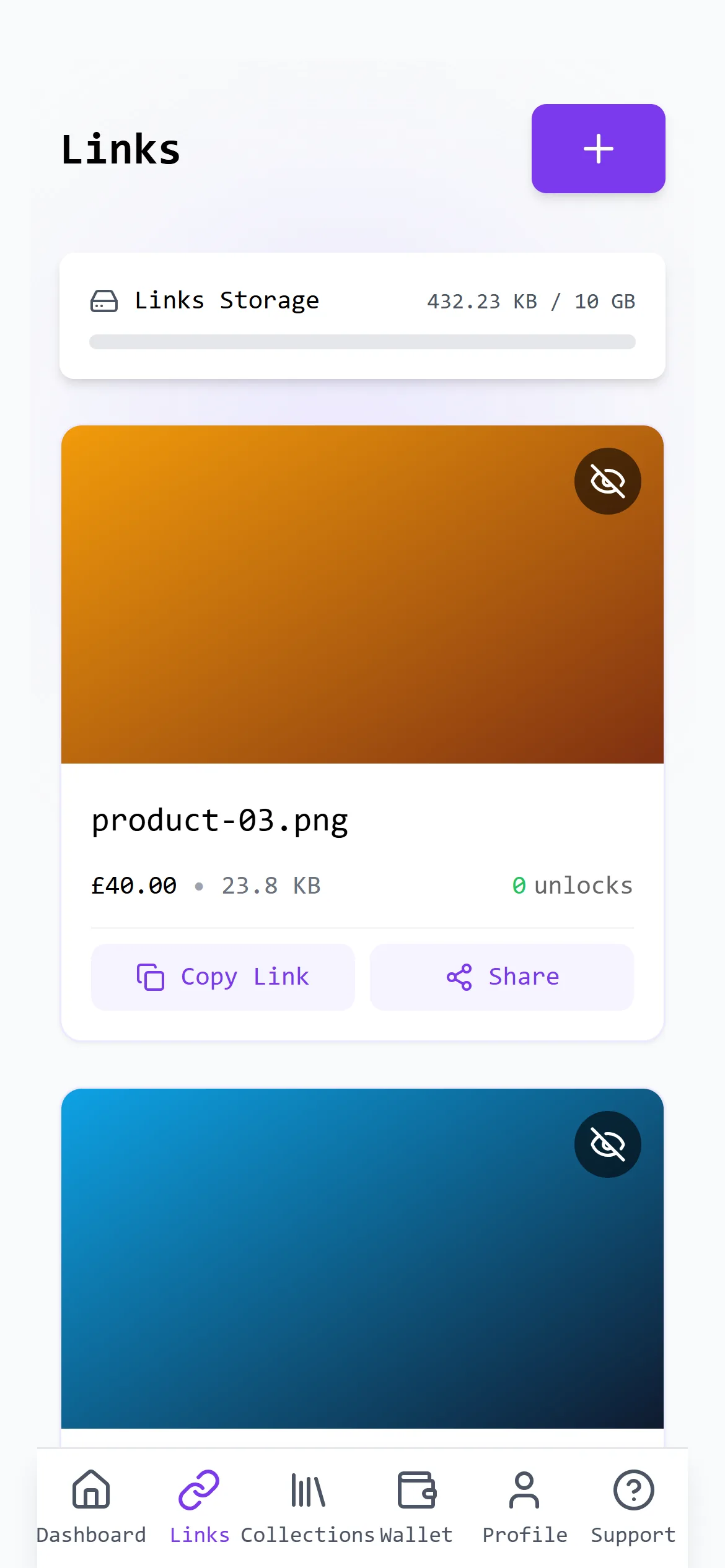
Any file type: PDFs, spreadsheets, zip archives, presets, audio, video, ebooks, Notion and Canva exports, code. Up to 100 MB per file, 10 GB per account. You do not pick a category or fit a template — the file is the product.
Uploaded content is screened automatically before it goes on sale.
02
Set the price and the terms
Pick a currency — USD, GBP or EUR — and enter a price. Optionally set the link to expire on a date, so access ends when you meant it to, and optionally group several files into a collection sold as one bundle at one price.
You see what you will receive before you publish, with both fees applied.
03
Share one link
Every item gets its own URL. Post it in a story, a bio, a group chat, a DM or an email. Your buyer does not create an account, and there is no storefront to send them to first.
Nothing is listed in a marketplace and nothing waits for approval.
04
Your buyer pays
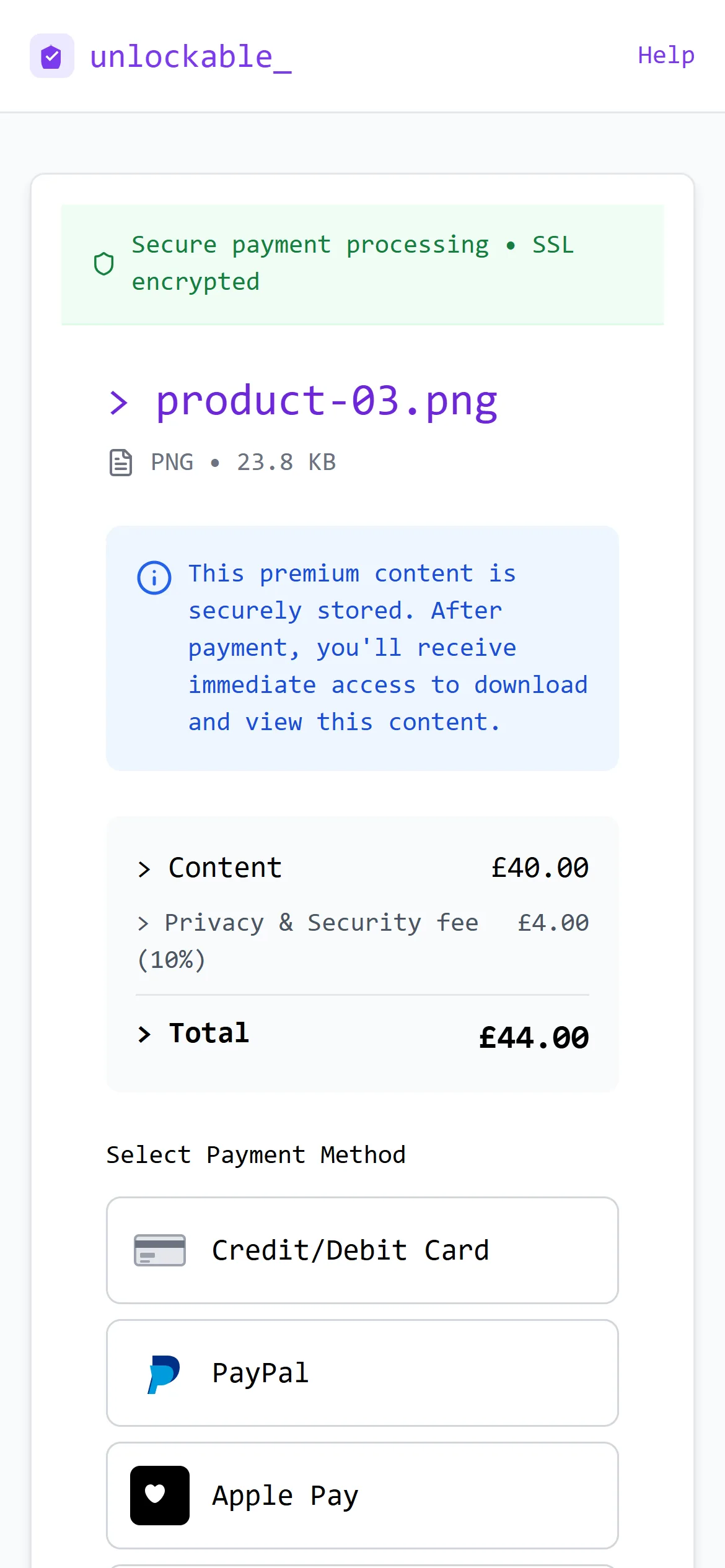
Checkout takes card, PayPal, Apple Pay and Google Pay, through Stripe and PayPal. The price you set and the privacy and security fee are shown as separate lines, so the buyer can see what is yours.
Card details never reach Unlockable — the payment is handled by the processor.
05
Access is delivered
The moment the payment clears, the buyer gets access on the same page. It is tied to that purchase rather than to a file sitting at a public address, so a link that leaks does not hand out the product.
A 30-day money-back guarantee applies to every purchase.
06
You get paid
Earnings settle after five working days — the hold exists so a refund can be paid from the same sale — then move to your available balance. Request a payout once you are over £20, after identity and bank verification.
Every payout is reviewed by a person before it is released.
> What you can sell
Anything digital you have already made. Each links to a guide with example pricing for that market.
> What it costs
Nothing until something sells. On a sale we keep 10% of the price you set and the buyer pays a 10% privacy and security fee on top — on a £40 product the buyer pays £44 and you receive £36. Card processing is covered by us, and there is no monthly or listing fee.
> Common questions
- Does my buyer need an account?
- No. They pay on the page and get access there. That is the main reason a link converts better than a storefront.
- Can I stop access after a sale?
- You can take content down, and you can set a link to expire on a date you choose when you create it. Access is tied to the purchase, not to a public file URL.
- Do I need a website?
- No — the link is the storefront. There is a longer answer in How to sell digital products without building a website.
- What about tax?
- You are the seller, so your tax position is yours. Unlockable handles the payment rail, not your tax. See the Terms of Service.
More questions are answered on the FAQ.
> Not sure what to sell yet?
That is the harder question, and it is worth an hour before you upload anything. The guides walk through finding an idea, checking anyone wants it, and pricing it.